Set the review boundary first
Copy Protect may fit selected Windows-media packaging workflows after current-version testing. It should not be described as cloud streaming DRM, guaranteed screenshot prevention, universal device support, enterprise rights management or a substitute for contracts and recipient governance.
A studio coordinator prepares a time-bounded client review package. The team uses fictional files to prove the complete workflow, records the exact recipient environment and releases only the approved media after a second-person check.
Run the release sequence
- 01
Verify the official source, current release, license and supported Windows environment.
- 02
Pilot JPG, PNG and intended video formats with fictional assets.
- 03
Test package creation, offline viewing, reconnect and recipient restrictions.
- 04
Inspect plaintext sources, temporary locations, recovery and lost-password effects.
- 05
Approve only the tested use and document exclusions, fallback and review date.
Preserve useful evidence
Record version, installer source, license, formats, source location, output media, creator/viewer systems, offline result, residue, recovery, exclusions and owner.
Stop release when
- Legacy screenshots are treated as current product evidence.
- The package is described as impossible to capture or redistribute.
- The source archive or recovery route has not been tested.
A useful record explains who approved the package, what was actually tested and which limitations the recipient was told. It should not contain the access secret or unnecessary client content.
Say what the control cannot do
Do not promise screen-capture prevention, web DRM or support for every format/device. A permitted viewer may still photograph or re-record visible content. Keep contracts, authorization, source archives, recipient support and incident response as separate controls.
Read every visual with its limitation
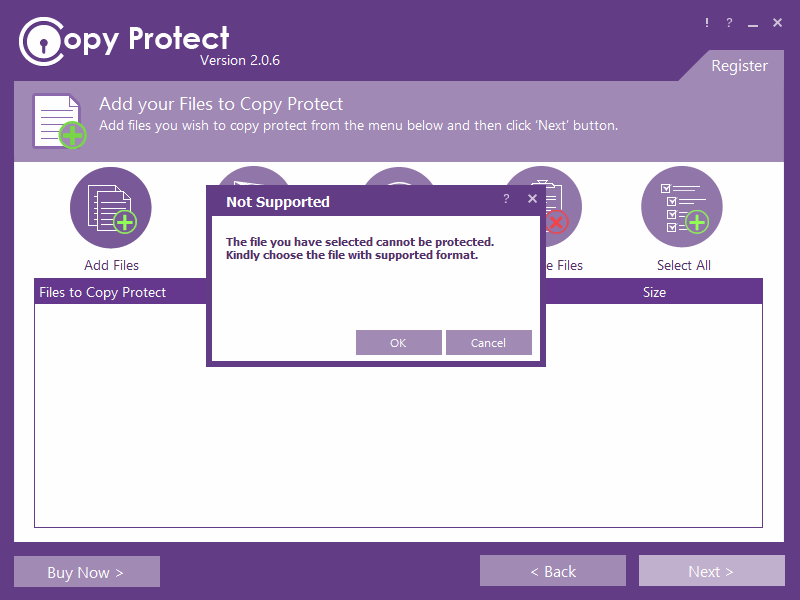
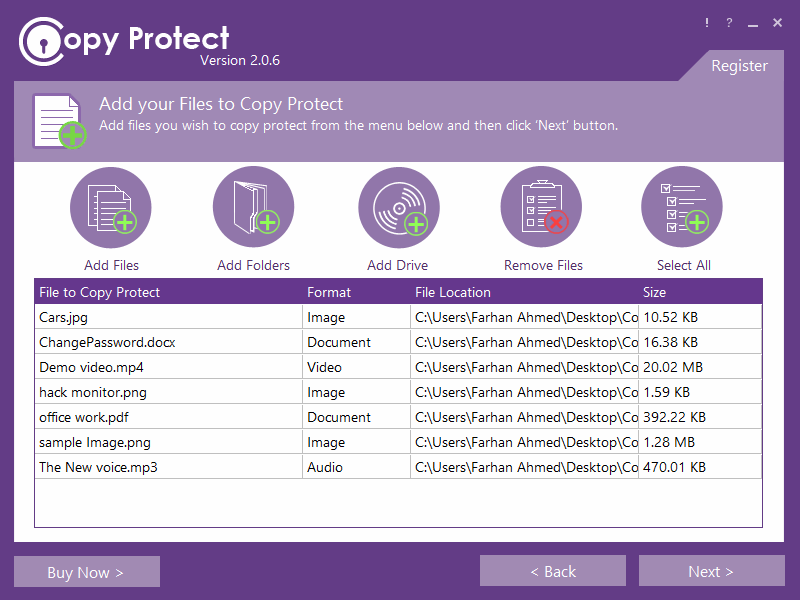
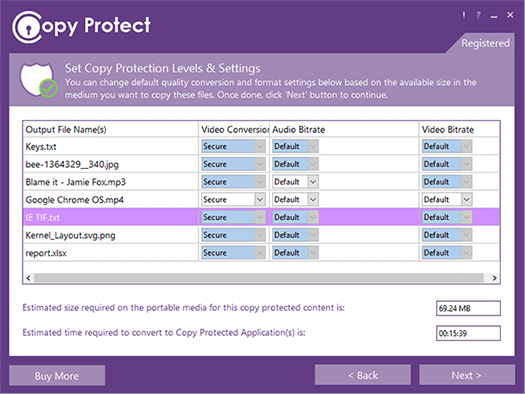
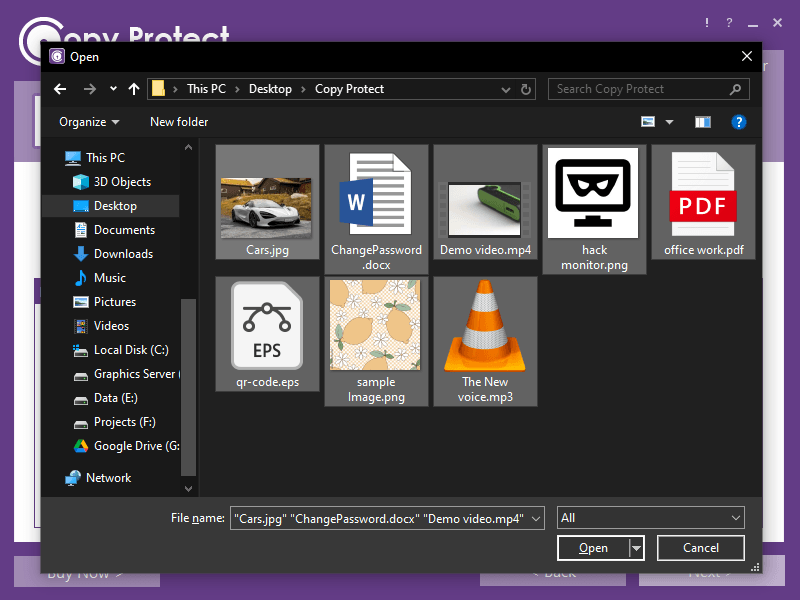
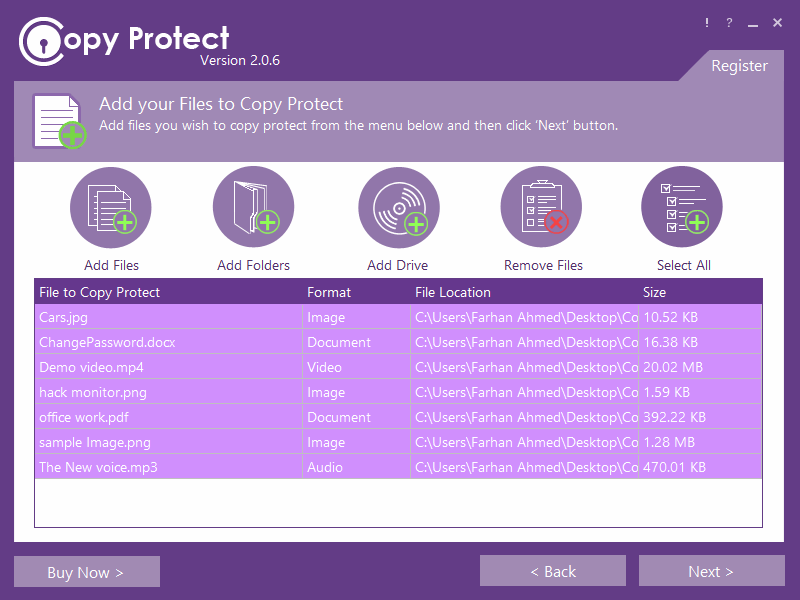
Verify the current release, exact formats, source-copy handling, offline viewer, Windows compatibility, recovery and legitimate recipient workflow.
Common review questions
Does offline delivery stop redistribution?
No. It changes the delivery route; practical copying, capture and loss risks remain and must be tested.
Can a successful sender test prove recipient access?
No. Test a representative recipient-class Windows device, offline, with the exact intended formats.
Sources for this decision
- NewSoftwares: Copy Protect features
- NewSoftwares: Copy Protect
- Microsoft: Media Foundation supported formats
Sources support specific technical or legal boundaries and do not imply endorsement.